

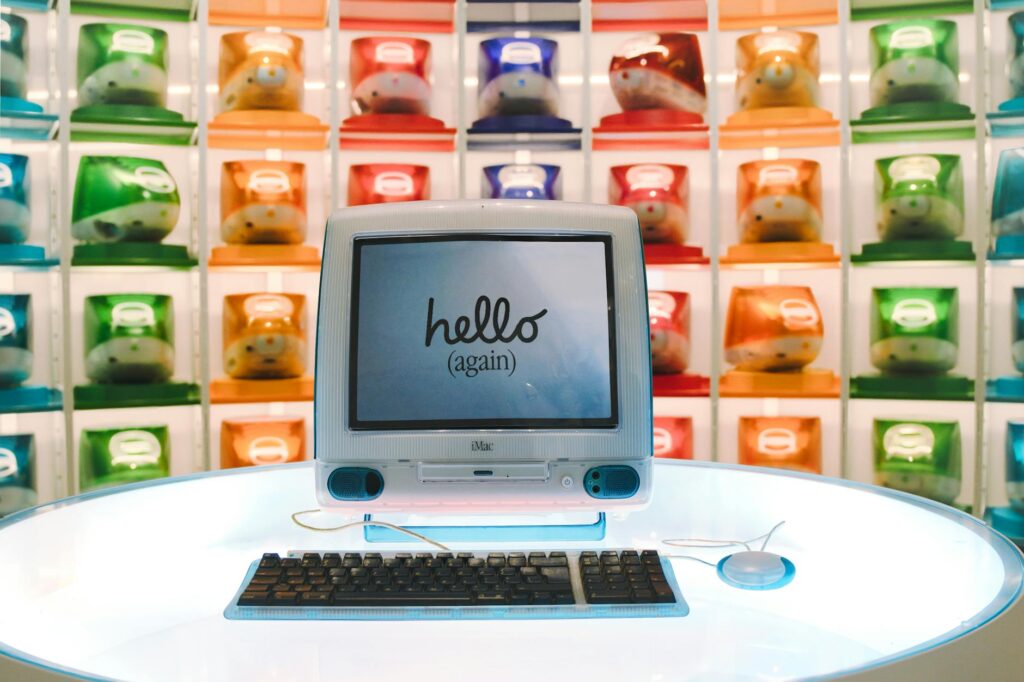
1,700 pre-installed operating systems. That’s not a typo. The Virtual OS Museum, launched by developer Andrew Warkentin, gives anyone with a decent x86 machine the ability to boot up systems from 1948 to the present day — no tape drives or vacuum tubes required. You’ll find Mark 1 Scheme A/B/C/T, CTSS, Multics, SunOS, IRIX, BeOS, classic Mac OS, early Android, NeXTSTEP, and even ZetaLisp environments. If it ever ran code, there’s a solid chance it’s in here. And yes, that includes A/UX — Apple’s ill-fated Unix experiment — and NeXTSTEP, the OS that quietly became the foundation of macOS. The original report from 9to5Mac broke the news on May 25, 2026, and since then, developers and OS archaeologists have been diving in.
Key Takeaways
- The Virtual OS Museum includes 1,700 pre-installed OSes across 600 distinct operating systems and 250 platforms.
- Two versions are available: a 121GB full download (174GB unzipped) for offline use, and a 14GB lite version that downloads images on first run.
- Host VM is x86-only, meaning performance on Apple silicon Macs may be limited.
- Warkentin began collecting emulator images in 2003, when few archives existed.
- The project supports automatic and manual updates, so new OSes can be added without re-downloading the entire package.
What the Virtual OS Museum Actually Delivers
Let’s be real: most “vintage computing” projects are glorified ZIP folders with a readme. The Virtual OS Museum isn’t that. This is a fully structured, curated, and — crucially — functional archive. It’s not just about nostalgia. It’s about access. Warkentin didn’t just throw 1,700 disk images into a folder and call it a day. He built a system where each OS boots in a configured virtual machine, with the right emulator, settings, and peripherals already set up. You don’t need to know the difference between QEMU and SIMH to make Mark 1 Scheme B run. It just does.
And it’s not just the big names. Yes, you can fire up Mac OS 7.5.3 on a virtual Macintosh IIci. But you can also boot PERQ Workstations running POS, or Tandy TRS-80 Model IIs with Xenix. There’s ITS, the MIT AI Lab’s famously quirky OS. There’s OSF/1, the short-lived Unix from the Open Software Foundation. There’s even early Longhorn betas — Windows Vista before it got neutered. The range is absurd in the best way.
Warkentin calls this a “preliminary release,” which means not every OS runs perfectly. Some only work in specific emulator versions. Others might hang on boot. But the fact that they’re even here — that someone went through the effort of sourcing, verifying, and packaging them — is staggering. This isn’t a weekend side project. It’s the output of over 20 years of obsessive collecting.
Why This Isn’t Just Another Emulation Bundle
Emulation isn’t new. MAME’s been around since 1997. Internet Archive’s software library has thousands of ROMs. But the Virtual OS Museum does something different: it treats operating systems as artifacts worth preserving in context. It’s not just the OS — it’s the machine it ran on, the peripherals it expected, the boot sequence, the default applications. You’re not just running Linux 0.01. You’re running it on a simulated PC with the right amount of RAM, the right disk layout, and the right version of GCC.
This contextual fidelity matters. Take Multics, for example. It wasn’t just an OS — it was a vision of computing as a utility, like electricity. To understand its design, you need to see how it handled multi-user access, file segmentation, and dynamic linking in real time. The Virtual OS Museum delivers that. You’re not reading a paper on hierarchical file systems — you’re walking through one, typing commands, seeing how symbolic links worked before they were standardized. You’re not guessing how slow a 1970s terminal was; you’re experiencing the lag between keystroke and echo.
Then there’s NeXTSTEP. Most people know it as the tech Apple bought and turned into macOS. But few have actually used it. With this project, you can boot a NeXTcube emulator, fire up Interface Builder, and drag out your first UI element. You’ll feel the responsiveness of Display PostScript, the way every pixel was rendered with print-quality precision. That’s not something documentation can teach. It’s experiential knowledge — the kind that shapes how you think about design and interaction.
A Living Archive, Not a Static Dump
The project supports both automatic and manual updates. That means when Warkentin adds Plan 9 from 2000, or a newly recovered version of RSX-11M, you don’t have to re-download the 121GB package. The system knows what’s changed. That’s a big deal. Most vintage software collections are snapshots. They rot. This one evolves.
Updates aren’t just about adding new systems. They also fix broken ones. Emulator backends change. QEMU drops support for obscure hardware. SIMH gains new peripherals. Configuration files drift. Warkentin’s update system tracks these shifts. It patches VM definitions, swaps out incompatible binaries, and keeps the whole stack functional. That’s infrastructure most hobbyist projects never build — because they don’t have to last. But this does. It’s designed to outlive its creator, at least in theory.
The x86 Bottleneck
Here’s the catch: the host VM is x86-only. So if you’re on Apple silicon — which, let’s be honest, most Mac developers are now — you’re running x86 emulation on ARM, which means performance is going to be sluggish. Not unusable, but not smooth. You’ll boot IRIX, but don’t expect to run Mario Teaches Typing at full speed. This isn’t Rosetta-level optimization. It’s raw QEMU. And while the lite version saves space, it trades that for initial load times — some OSes take minutes to download on first boot, depending on your connection.
The x86 limitation also creates a second-order problem: accuracy. Some systems, especially those tied to specific hardware like Sun-3 or VAX, rely on precise timing and interrupt handling. When you’re two layers deep in emulation — ARM running x86 running VAX — those timings drift. Clocks go off. Disk access fails. The chain of abstraction starts to creak. It’s still functional, but not faithful. That’s a trade-off between accessibility and authenticity — and for now, the project leans toward access.
- Earliest systems: Manchester Baby (1948), Mark 1 Scheme A/B/C/T
- Mainframes: CTSS, MVS, VM/370, Multics, TOPS-10/20
- Workstations: SunOS, IRIX, OSF/1, A/UX, NeXTSTEP, Plan 9
- Home computers: Apple II, Commodore 64, ZX Spectrum, BBC Micro
- PC OSes: DOS variants, OS/2, BeOS, Windows 1.0 to early Longhorn
- Mobile: PalmOS, EPOC/Symbian, Newton OS, early Android and iOS
- Obscure: ZetaLisp, Smalltalk, Oberon, research OSes
The Hidden Cost of Digital Preservation
Warkentin didn’t charge for this. There’s no Patreon, no paywall. But that doesn’t mean it’s free. The real cost is time — his own. Starting in 2003, when emulator archives were sparse and disorganized, he began collecting. He didn’t just download ISOs. He hunted down documentation, verified checksums, tested bootability, fixed broken images. He’s not just a collector. He’s a digital archivist.
And he’s not alone. Projects like the Internet Archive’s Console Living Room, the Software Preservation Society, and the OS/2 Museum have been doing similar work for years. But the Virtual OS Museum is unique in scope. It doesn’t focus on one platform or era. It’s a horizontal sweep across computing history. That’s both its strength and its vulnerability. One person can’t maintain this forever. What happens when Warkentin moves on? Who keeps the updates coming? Who verifies new submissions?
Digital preservation is fragile. Media degrades. Licenses expire. Companies vanish. SGI isn’t around to bless an IRIX re-release. DEC shut down decades ago. Even if the binaries are legal to distribute under abandonware norms, the legal gray zone makes institutional adoption risky. Universities won’t put this in a curriculum. Museums won’t display it without liability assurances. So it sits in a strange limbo — technically public, practically orphaned.
What This Means For You
If you’re a developer, this is more than a toy. It’s a reference library. You can study how file systems evolved, how memory management changed, how GUIs were built before Cocoa or Win32. You can see real-world implementations of research OSes like Plan 9 or Oberon. You can debug compatibility issues in legacy environments without needing physical hardware.
Imagine you’re working on a modern embedded system and need to reverse-engineer a proprietary protocol from the 1990s. The original docs are lost, but the device ran on OS-9, a real-time OS from Microware. With the Virtual OS Museum, you can boot OS-9 on a simulated Motorola 68k board, study its IPC mechanisms, and map out how inter-process communication worked. That’s not hypothetical — that’s something engineers face every day in industrial automation, aerospace, and medical device maintenance.
Or say you’re building a new terminal emulator. You want it to handle obscure ANSI variants, custom keyboard mappings, and legacy color palettes. Instead of guessing, you can boot up a DEC VT220 running TOPS-20, connect to it via telnet, and test your app against real behavior. You’ll spot edge cases no spec document covers — like how certain terminals handled backspace vs. delete, or how they interpreted escape sequences with malformed parameters.
For founders and product builders, it’s a reminder: nothing is truly gone. Every idea, every UI pattern, every architecture — it’s all still here, just buried. The past isn’t dead. It’s compressed, encrypted, maybe forgotten. But with the right tools, you can decompress it. And sometimes, what’s old is exactly what you need for what’s next.
Think about BeOS. It failed in the market, but its media engine, BFS file system, and threaded design were years ahead. Now, with renewed interest in low-latency computing for AI and real-time apps, BeOS concepts are suddenly relevant again. You can boot it in the museum, profile its audio scheduler, and steal ideas for your next sound-processing tool. That’s not nostalgia — that’s R&D.
What Happens Next
The biggest unanswered question isn’t technical. It’s governance. Who takes over when Warkentin steps back? The project is too big to disappear, but too personal to scale. There’s no public roadmap, no contributor guidelines, no issue tracker. It’s a one-man archive with global significance.
Another key unknown: ARM support. Right now, Apple silicon users are second-class citizens. But the demand is there. Someone could fork the project, rebuild the VM layer with UTM or Asahi Linux tools, and deliver native ARM emulation. That wouldn’t just improve performance — it would shift the museum from a niche tool to a mainstream resource. Imagine an iPad Pro running A/UX at usable speed. That’s not sci-fi. It’s a matter of effort.
Then there’s integration. Could this be packaged for education? For enterprise? A university might embed it in a CS curriculum on operating systems history. A cloud provider could offer it as a sandbox for legacy testing. But that requires support contracts, security audits, liability waivers — things a solo dev can’t provide.
So the future hinges on one thing: transition. Will the community step in? Will institutions adopt it? Or will it remain a brilliant, fragile artifact — another piece of digital heritage hanging by a thread?
So what happens when someone ports this to ARM-native emulation? When the Virtual OS Museum runs smoothly on Apple silicon, not as a nested x86 guest, but as a first-class citizen? That’s not just an upgrade. It’s a rebirth.
Sources: 9to5Mac, BoingBoing